Quality vs Creative Mode
Understand the two generation modes for AI characters. Learn when to use Quality mode for precision and Creative mode for artistic freedom, and how each affects your workflow.
When generating a character, you choose between two modes: Quality and Creative. Each uses a different AI model under the hood, and they have different strengths, limits, and behaviors.
This guide breaks down what each mode does, when to use it, and what to expect.
The Two Modes at a Glance
| Quality | Creative | |
|---|---|---|
| Best for | Realistic characters with specific styling | Artistic characters with more variety |
| Prompt limit | 2,000 characters | 900 characters |
| Style presets | All styles available | Not available |
| Content guidelines | Standard | Relaxed |
| Variations & Poses | Yes | No |
| Candid Photos | Yes | No |
Quality Mode
Quality mode is the default and the most versatile option. It produces high-fidelity, realistic characters and supports the full range of platform features.
When to Use Quality
- You want precise control over skin texture, makeup, and appearance
- You plan to create Looks, Poses, or Candid Photos from this character
- You need a character that will be used across multiple videos
- You want to apply a style preset (natural skin, acne, freckled, glam makeup, etc.)
How It Works
Quality mode wraps your prompt in a detailed system instruction that guides the AI toward photorealistic, phone-camera-style results. If you select a style preset, it adds specific skin and lighting directives on top.
Your prompt:
A confident woman in her 30s with shoulder-length auburn hair
and green eyes, wearing a casual denim jacket
What the AI receives: Your description + detailed realism instructions + your chosen style modifiers. This produces consistent, grounded results.
Style Presets
Style presets are only available in Quality mode. They add specific skin realism and lighting characteristics:
| Preset | Effect |
|---|---|
| Standard | Natural skin with visible pores, phone-camera realism |
| Natural Skin | Subtle imperfections - moles, light freckles, uneven tone |
| Acne | Realistic acne marks, uneven pigmentation, natural oil sheen |
| Weathered | Sun damage, wrinkles, age spots, rough texture |
| Flawless Realistic | Best version of real skin - smooth but not filtered |
| Freckled | Prominent natural freckles, sun-kissed warmth |
| Dewy Glass | Korean glass skin aesthetic, intensely hydrated look |
| Soft Makeup | No-makeup makeup, natural coverage |
| Glam Makeup | Full event-ready glam, sculpted contour |
| Rugged Masculine | Weathered texture, strong jawline, outdoor look |
| Clean Groomed | Well-maintained, professional masculine appearance |
| Five O'Clock Shadow | 1-3 days stubble, effortlessly masculine |
| Athletic Sweat | Post-workout flush, perspiration, healthy glow |
| Full Beard | Well-maintained full beard with natural variation |
Style presets make a big difference. A "natural skin" preset adds authenticity that's hard to describe in a prompt alone. Experiment with different presets on the same prompt to see the effect.
Variations, Poses & Candids
Quality mode characters unlock the full character workflow:
Character (Quality mode)
├── Looks (outfit, age, body type changes)
│   └── Poses (actions, settings, camera angles)
└── Candid Photos (authentic scene presets)
These features require the AI to preserve your character's identity from a reference image - something only Quality mode supports.
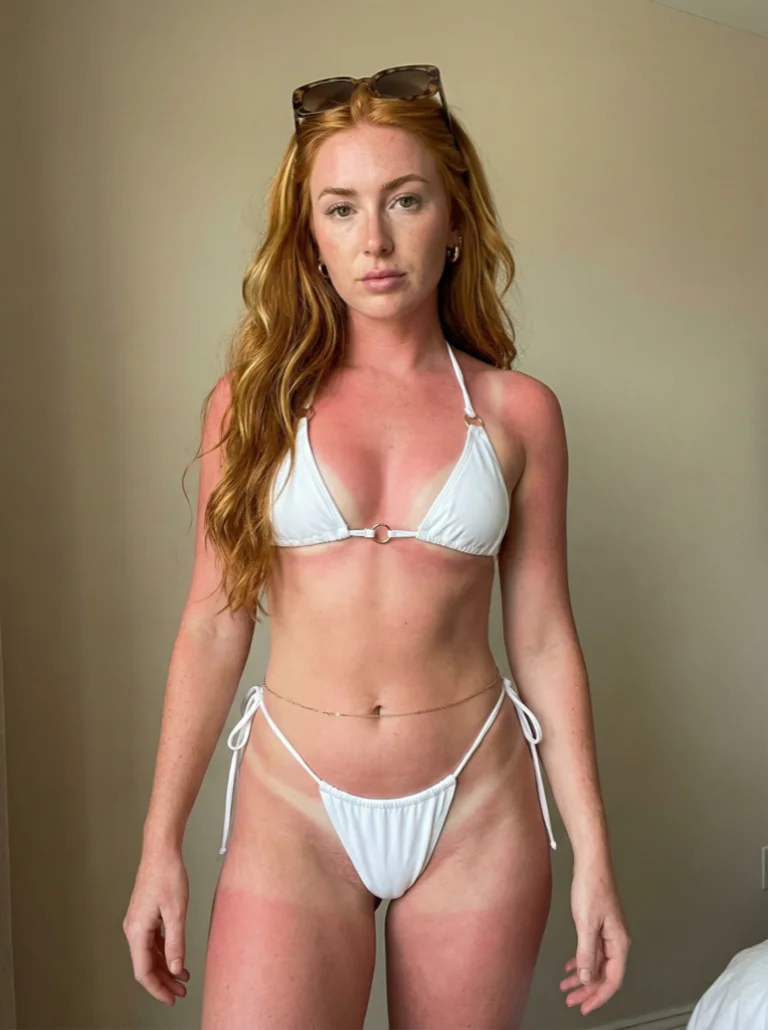
Creative Mode
Creative mode uses a different AI model optimized for artistic freedom and variety. It trades some precision for more expressive, diverse output.
When to Use Creative
- You want more artistic variety in the generated character
- You're exploring ideas and don't need a specific style preset
- You want relaxed content guidelines for edgier aesthetics
- You're generating standalone characters that don't need variations
How It Works
Creative mode sends a minimal instruction to the AI, giving it more room to interpret your prompt creatively. There's no style modifier layer - your prompt is the primary driver.
Your prompt:
A confident woman in her 30s with shoulder-length auburn hair
and green eyes, wearing a casual denim jacket
What the AI receives: A short framing instruction + your description. The AI has more freedom in how it interprets lighting, composition, and style.
What's Different
Shorter prompt limit (900 characters). Creative mode's AI model has a stricter total prompt budget. Write concise, focused descriptions rather than lengthy specifications.
No style presets. The style selector is hidden in Creative mode. Your prompt alone controls the look. If you want specific skin characteristics, describe them directly in your prompt.
No variations, poses, or candids. Creative mode generates standalone characters. You cannot create Looks, Poses, or Candid Photos from a Creative mode character because the underlying model doesn't support identity-preserving reference images.
Creative mode characters are great for one-off use, thumbnails, or visual exploration. If you need a character you'll reuse across content, use Quality mode.
Writing Prompts for Creative Mode
Since you have fewer characters and no style presets, your prompt needs to do all the work. Be direct and visual:
Good Creative prompts:
Young man with curly hair and glasses, warm smile,
streetwear hoodie, golden hour lighting
Elderly woman with silver hair in a bun, kind eyes,
wearing a cozy knit sweater, soft window light
Tattooed skateboarder in their 20s, confident stance,
ripped jeans and band tee, urban alley background
Less effective Creative prompts:
A person who looks nice and friendly
Too vague - give the AI something visual to work with.
A 35-year-old Caucasian woman with exactly shoulder-length
auburn hair parted on the left side, wearing a specific
shade of navy blue denim jacket with copper buttons,
standing at exactly 30 degrees to the camera with her
left hand in her pocket and right hand holding a
vintage leather briefcase, in front of a red brick wall
with exactly three windows visible behind her...
Too long and too precise - you'll hit the 900-character limit and Creative mode works better with broader strokes anyway.
Choosing the Right Mode
Use Quality When...
- Building a character for ongoing content
- You want Looks, Poses, or Candid Photos
- Specific skin/style presets matter
- Consistency across multiple generations is important
Use Creative When...
- Exploring character ideas quickly
- Making standalone images or thumbnails
- You want the AI to surprise you
- Standard content guidelines feel too restrictive
Switching Modes
You can switch between Quality and Creative in the generation modal at any time. A few things to know:
- Style selector smoothly hides/appears when switching modes
- Prompt limit changes - if your prompt exceeds 900 characters when switching to Creative, you'll see a warning and the Generate button disables until you shorten it
- Mode doesn't affect existing characters - it only controls how new characters are generated
If you write a long, detailed prompt in Quality mode and switch to Creative, you may need to trim it. The warning will tell you exactly how many characters to cut.
Side-by-Side Comparison
Here's the same prompt in both modes to illustrate the difference:
Prompt: "Athletic man in his late 20s, short fade haircut, light stubble, wearing a fitted black t-shirt, standing with arms crossed"
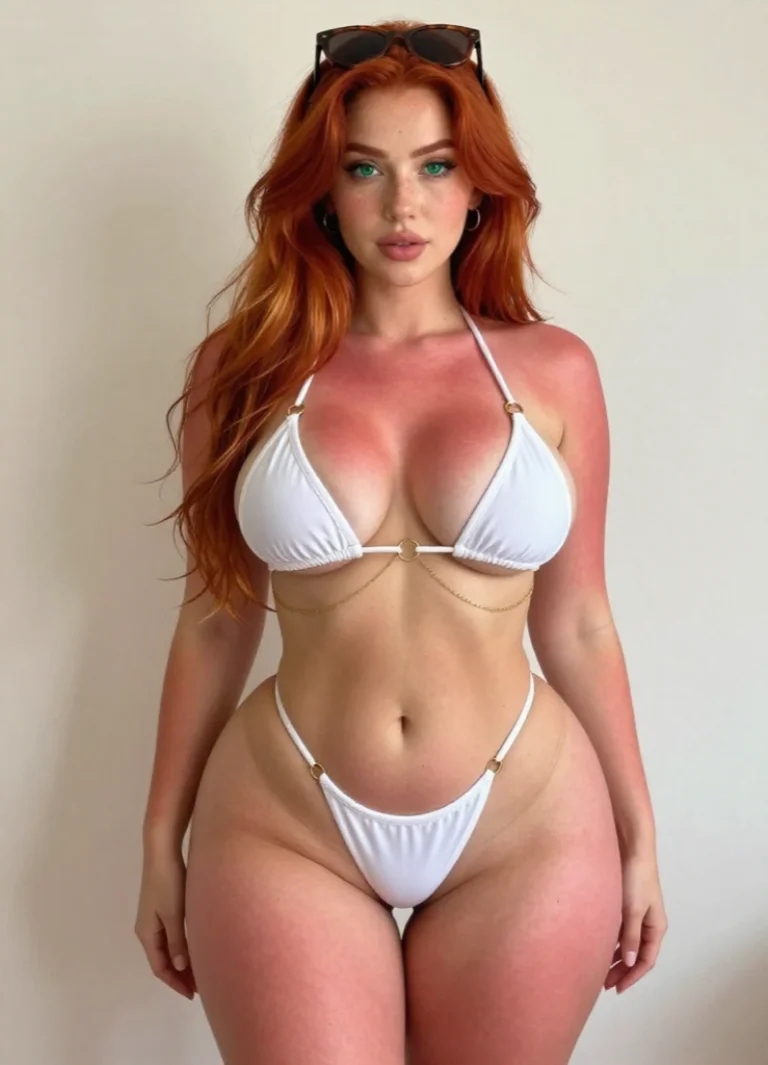
Quality mode (left): Grounded, phone-camera-realistic result with natural skin texture and lighting.
Creative mode (right): More stylized, artistic interpretation. Lighting and composition may be more dramatic or unexpected.
Both are valid - the right choice depends on your use case.
Quick Reference
| Question | Answer |
|---|---|
| Which mode is better? | Neither - they serve different purposes |
| Can I change mode after generating? | No, but you can generate a new character in the other mode |
| Do modes affect credit cost? | No, both cost the same |
| Can I use Creative characters in videos? | Yes, but you can't create variations or candids from them |
| Why is Creative's prompt limit lower? | The underlying AI model has a stricter total prompt budget |
Ready to generate? Head to your Characters page and try both modes to see which fits your workflow.